
Who can apply
['People seeking Wisconsin community resources.', 'Each provider applies its own eligibility and service area rules.']What help is available
A route to resource listings, including addiction recovery and local emergency resources. A listing does not reserve a benefit or appointment.
Documents to prepare
Have your city or county and a brief explanation of the need ready. For a provider call, note any immediate shutoff, housing or other deadline. Do not upload identity records to an unconfirmed contact.
How to get started
- Open the 211 Wisconsin resource directory.
- Choose Search by Need or a targeted category.
- Review the provider location and intake instructions.
- Contact the provider directly to confirm availability; dial 211 for referral help.
After applying
Record referrals and call outcomes. If an option is unavailable, ask for another resource that serves your location. In immediate danger call 911.
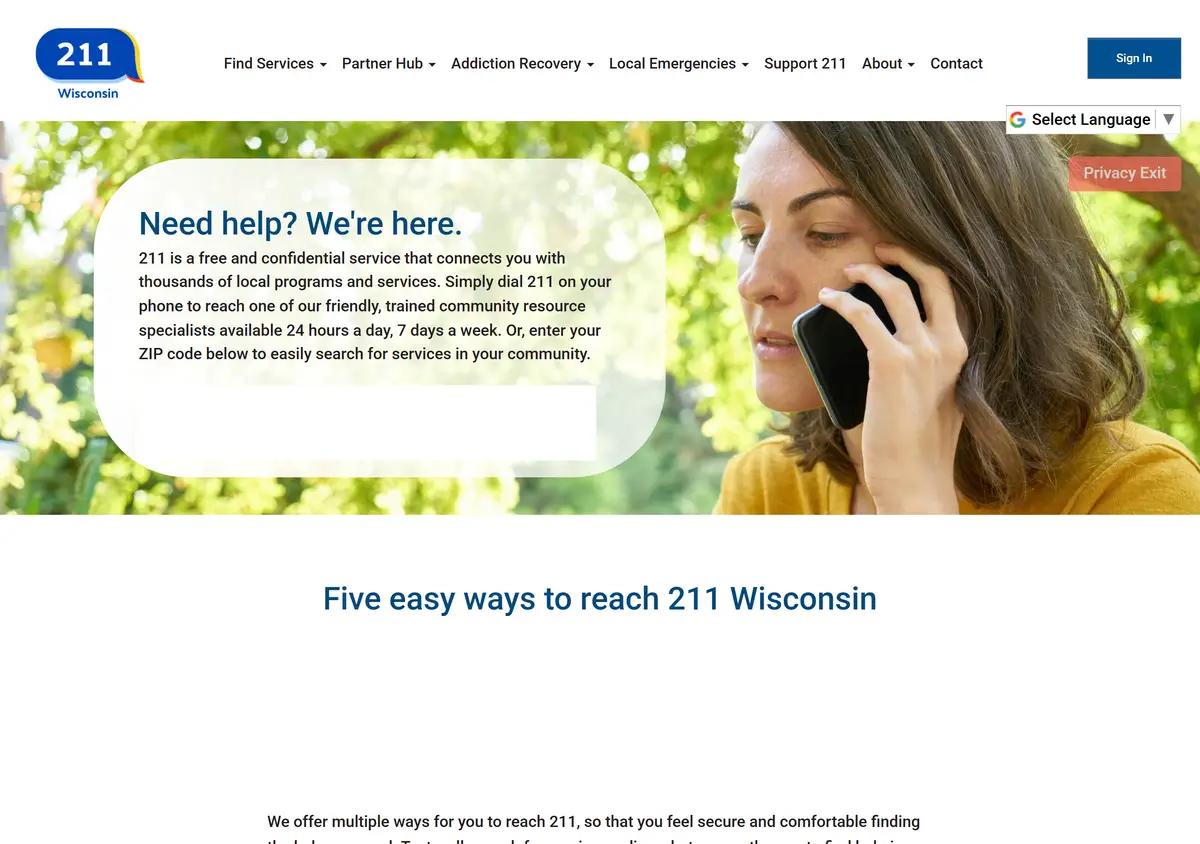
Website screenshots
These images show the pages captured in August 2026. Website screens and rules may have changed.
Common questions
Is 211 a benefits eligibility office?
No; the directory points people toward service providers.
Can I search without a benefit application?
Yes, use the public resource directory.
Will a listing guarantee funds?
Confirm availability with the provider.
Does the directory include recovery resources?
Its categories include addiction recovery information and services.
How do I find nearby services?
Search by need and check the provider’s location and service area.
Sources and review
Historical screenshots: source reference.