
Who can apply
You must have enough qualifying wages and meet job-separation and weekly requirements. Explain all relevant employment circumstances accurately.
What help is available
Approved payments provide temporary support. Filing a claim and requesting weekly payments are separate actions.
Documents to prepare
- Identity and contact information.
- Employer, employment dates and wage records.
- The separation reason and requested supporting evidence.
How to get started
Start the claim
Use the UI Online link on DLT Unemployment Insurance.
Answer follow-up requests
Complete identity checks and any fact-finding questionnaire.
Request payments
Follow the state’s weekly payment instructions and report earnings accurately.
After applying
Read decisions and appeal instructions. If account access or claim filing fails, use the UI Help Form linked by DLT.
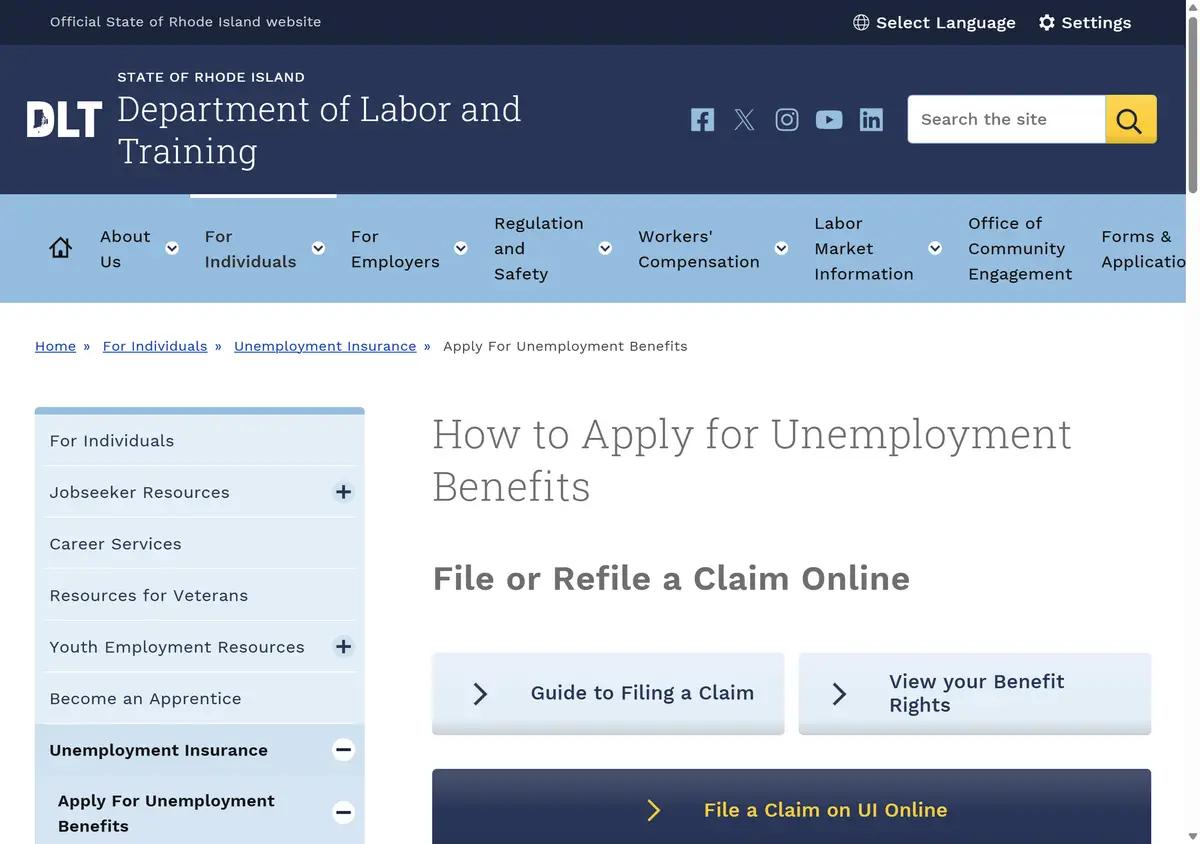
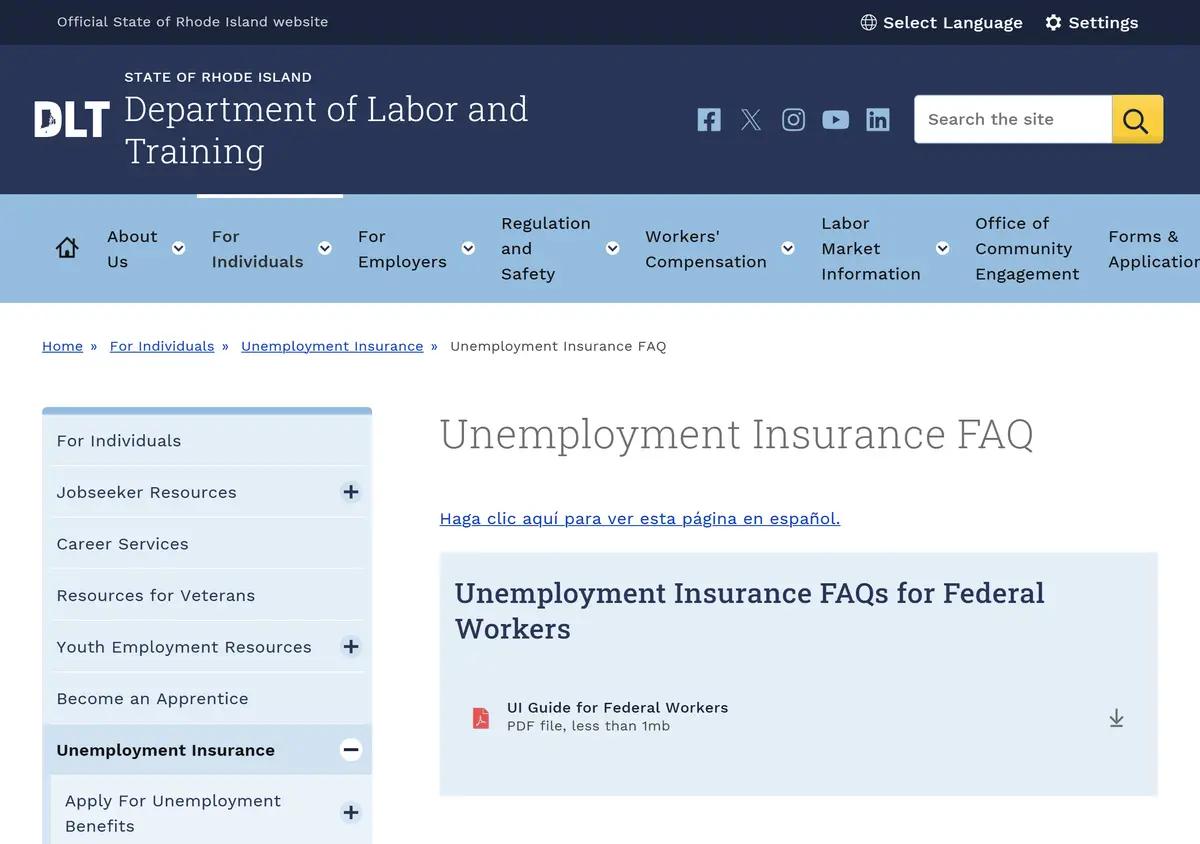
Website screenshots
These images show the pages captured in August 2026. Website screens and rules may have changed.
Common questions
Is filing the initial claim enough?
No. Follow the separate payment-request instructions.
Does every job loss qualify?
DLT reviews wages and separation circumstances.
Where do I ask about technical problems?
Use the UI Help Form linked on the state UI page.
What if a form looks unreadable?
Check the saved file before uploading; DLT warns some iPhone PDFs have overlapping text.
Sources and review
Content checked October 1, 2026 using DLT unemployment; DLT application instructions. Current eligibility and the final decision remain with the program.
Historical screenshots: source reference.