
Who can apply
['Anyone researching assistance for themselves or their family can browse the finder. Eligibility is determined by the individual benefit program.']What help is available
Choose categories such as food, health, housing and utilities, disability, jobs, education or veterans to explore relevant benefits and application information.
Documents to prepare
Browsing categories is separate from submitting an application. Make a short list of the needs you want to address, then review each agency’s document instructions before applying.
How to get started
Visit the USAGov benefit finder, select at least one category and choose Apply selections. Follow the resulting program information to the responsible agency.
After applying
Compare the requirements of each promising program and note its application route. Keep applications and reference numbers separately so that one pending request is not confused with another.
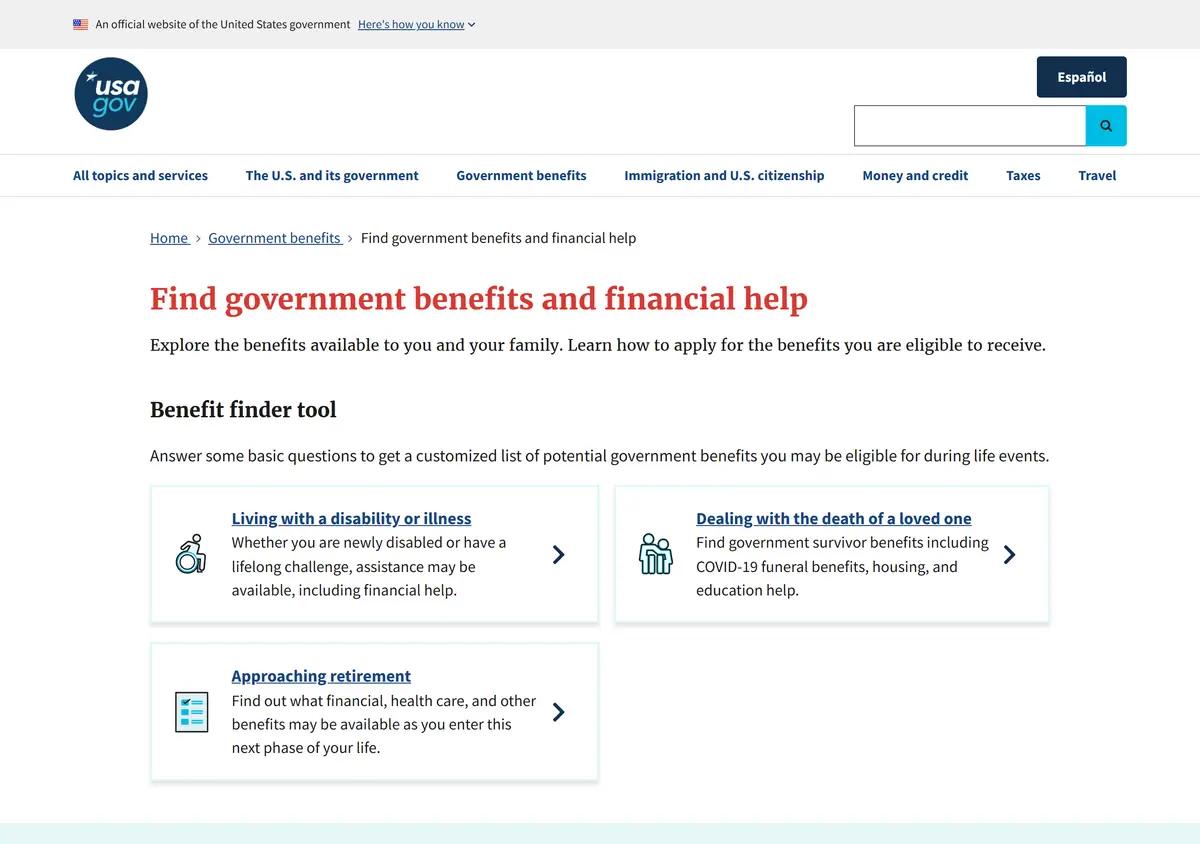
Website screenshots
These images show the pages captured in August 2026. Website screens and rules may have changed.
Common questions
Does Apply selections submit a benefits application?
It applies your category choices to the search; the agency application is a separate step.
Can I choose multiple categories?
Yes. The finder allows multiple selections.
Can it help me research family benefits?
Yes. Children and families is one of its categories.
Does appearing in results mean I qualify?
No. Review the program requirements and seek the agency’s decision.
Sources and review
Historical screenshots: source reference.